
Frontmatter routing
Write
album = trip → widein the settings and any note with that frontmatter uses thewidetemplate. Matching is exact string comparison, top to bottom.
Anatomy of a route
| Field | Meaning | Example |
|---|---|---|
| Field name | the frontmatter key | album |
| Field value | the value to match | trip |
| Route template | which template to use | wide |
| Enabled | whether it participates | on |
---
album: trip
---
This note writes album: trip, so it matches the route above. Here is the same 1:1 calibration image under the two templates:
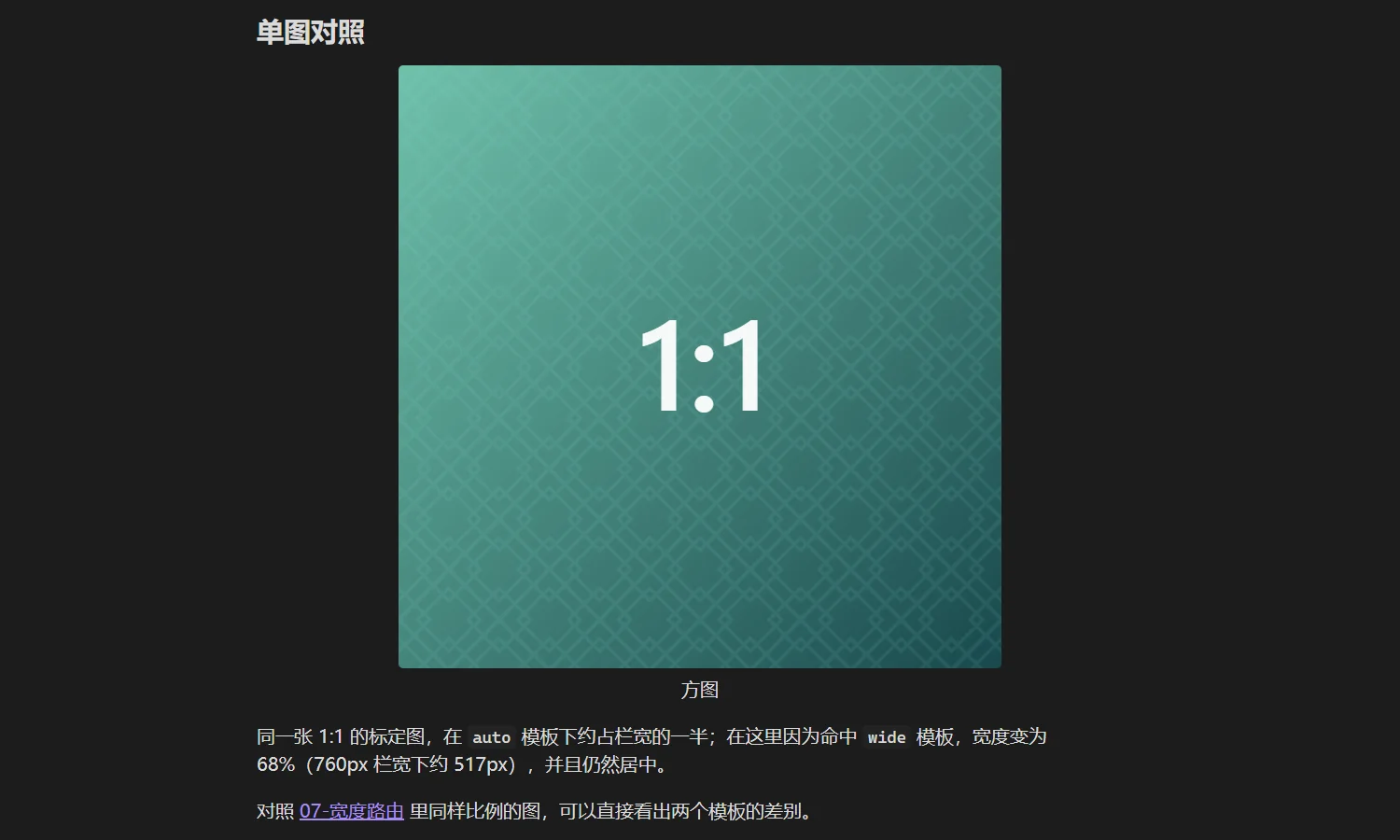
Under auto it takes about four tenths of the column; under wide it becomes 68% (about 517px in a 760px column), still centred.
Portraits behave differently — the third rule of wide narrows them and pins them to the left:
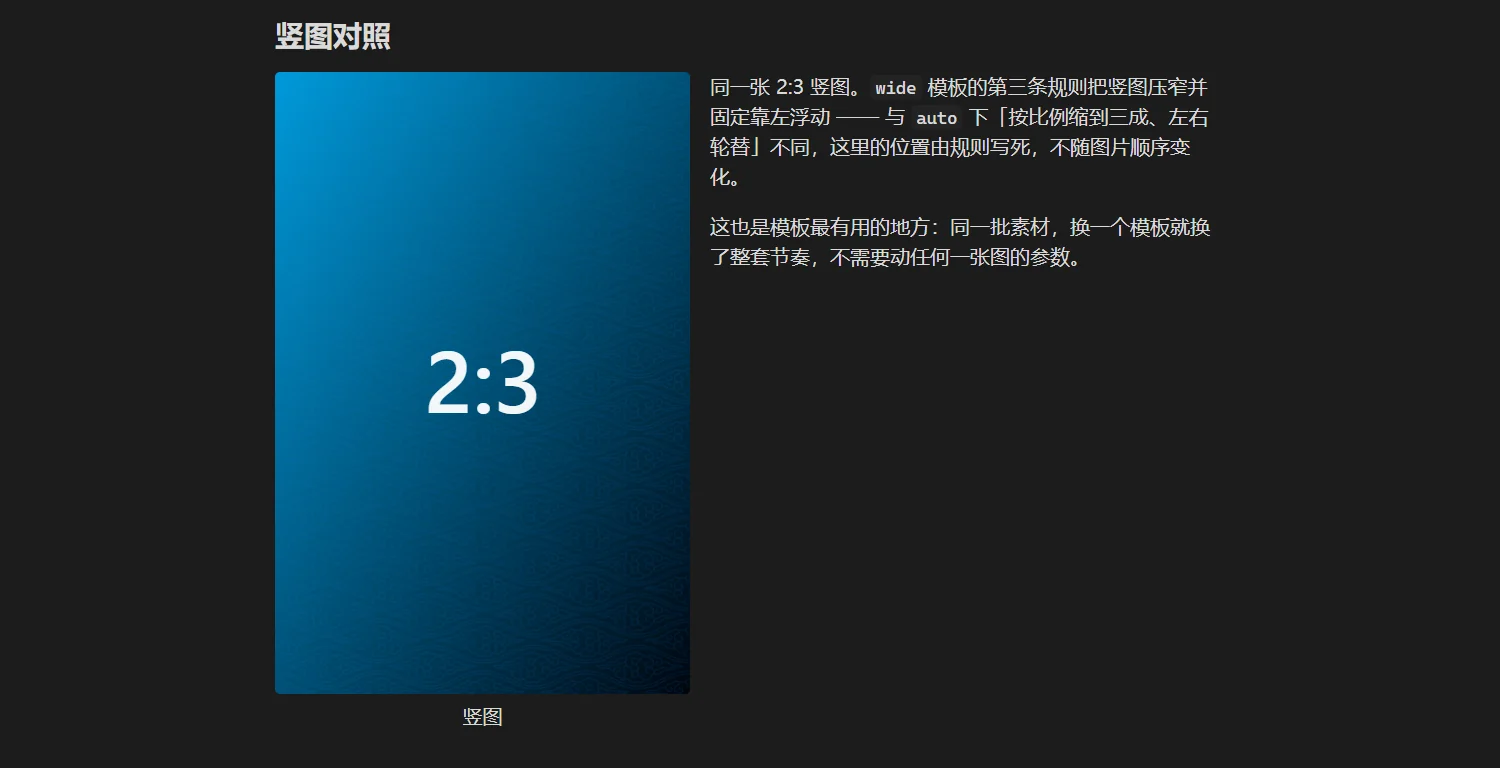
That is where templates earn their keep: the same assets change rhythm completely with a different template, without touching a single image parameter.
Matching rules
| Behaviour | Explanation |
|---|---|
| Comparison | both key and value are trim()ed then compared for exact equality; Trip is not trip |
| Order | top to bottom, first match stops the search |
| Fallback | auto when nothing matches |
| Priority | an image's own ag:width / ag:layout / ag:side beats template rules |
Array values become strings
Arrays in frontmatter are joined with commas before comparison:
tags: [a, b] # what actually gets compared is "a,b"So tags makes a poor routing key unless you always write the full string. A single-string field such as album, role or series is far more reliable.
When to route
| Situation | Advice |
|---|---|
| tutorials want small images, portfolios large ones | route by frontmatter, layer by folder or attribute |
| only one or two images need a special width | write ag:width, do not build a template for two pictures |
| an entire note should be narrower | route it, rather than repeating parameters on dozens of images |
| you want to separate by folder | routing only reads frontmatter, not paths; add a field to each note |
Troubleshooting
| Symptom | Cause |
|---|---|
| The route never matches | different casing, or surrounding spaces in the value (the plugin trims, but key names are not fuzzy-matched) |
| It matches but nothing changes | the template has no rules, or every image carries ag:width |
| I changed the template but the note looks the same | templates are resolved per note; switch notes or reopen the note to recompute |
Next
- Layout templates
- Annotation syntax: the other end of the priority chain