
Float and wrap
A single image below the threshold floats to one side and text wraps into the remaining space; the float lasts until the next structural boundary.
Text wrapping
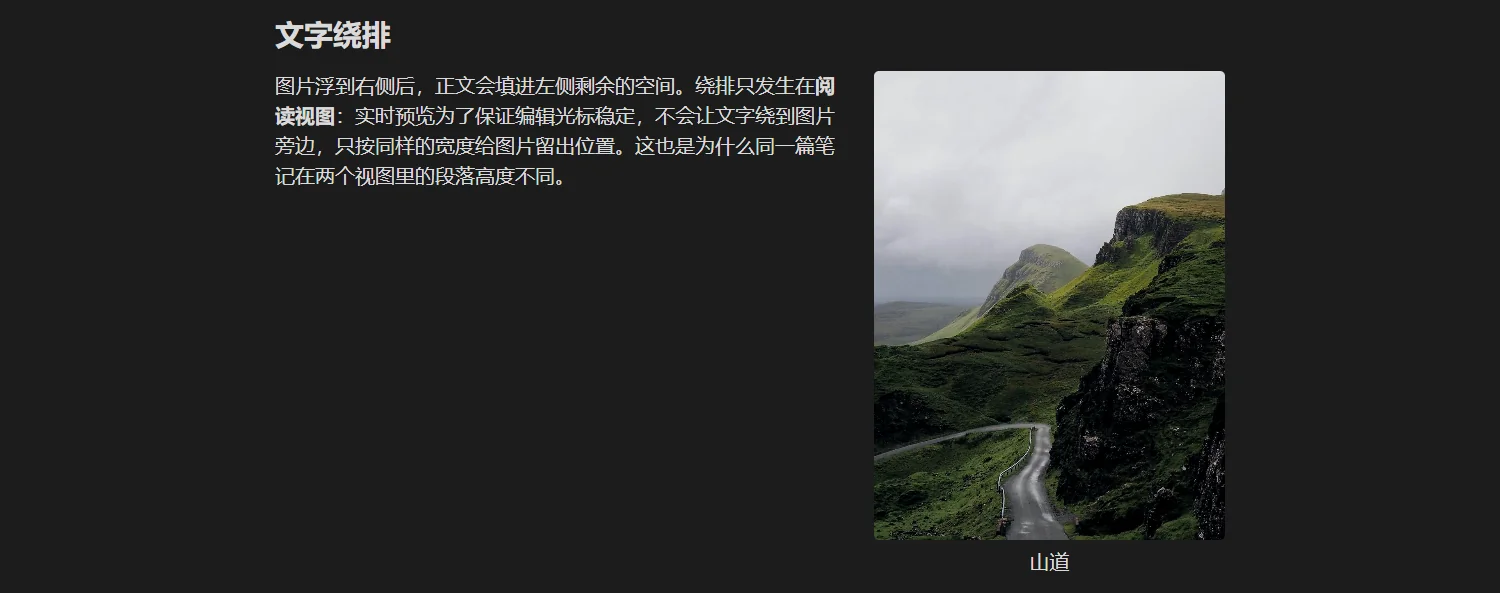
Once the image floats right, body text fills the space on the left. Wrapping only happens in reading view: Live Preview keeps the editing cursor stable and never lets text run beside the image, it only reserves the same width. That is why the same note has different paragraph heights in the two views.
Where a float ends
A float lives until the next structural boundary. Six structures end it by default:
| Boundary | Default | Risk when disabled |
|---|---|---|
| Heading | on | the next section keeps hugging the image and may be squeezed |
| Code block | on | code sits beside the image and wraps badly |
| Math block | on | formulas get compressed |
| Image | on | two images end up side by side, an accidental gallery |
| Table | on | columns get squeezed |
| Quote / callout | on | the quote sticks to the image edge |
Each one can be switched off in the "Float" section of the settings. Turning one off lets the float cross that structure, but the two blocks then sit side by side, which is rarely what you want.
When an image does not float
Both conditions must hold: the computed width is at most floatMax (60% by default), and the column is wider than mobileBreakpoint (600px by default). If either fails the image becomes a centred block.
You can also force it:
| Annotation | Result |
|---|---|
ag:layout=center | leaves the float, centred block |
ag:side=center | the same |
ag:layout=float | floats even above the threshold (use with care) |
ag:side=left / right | pick the side |
Gap
ag:gap=24px widens the space between a floated image and the body text. It does not change the gap between gallery cells — that one lives in the "Gallery image gap" setting.
This is a frequent misreading; see Pitfalls.
Next
- Resize, align, reset
- Width routing: when a float happens at all