
Cropping
ag:cropsets the frame ratio andag:topsets where the frame lands on the source; if you would rather not compute coordinates, use the crop dialog.
Uncropped
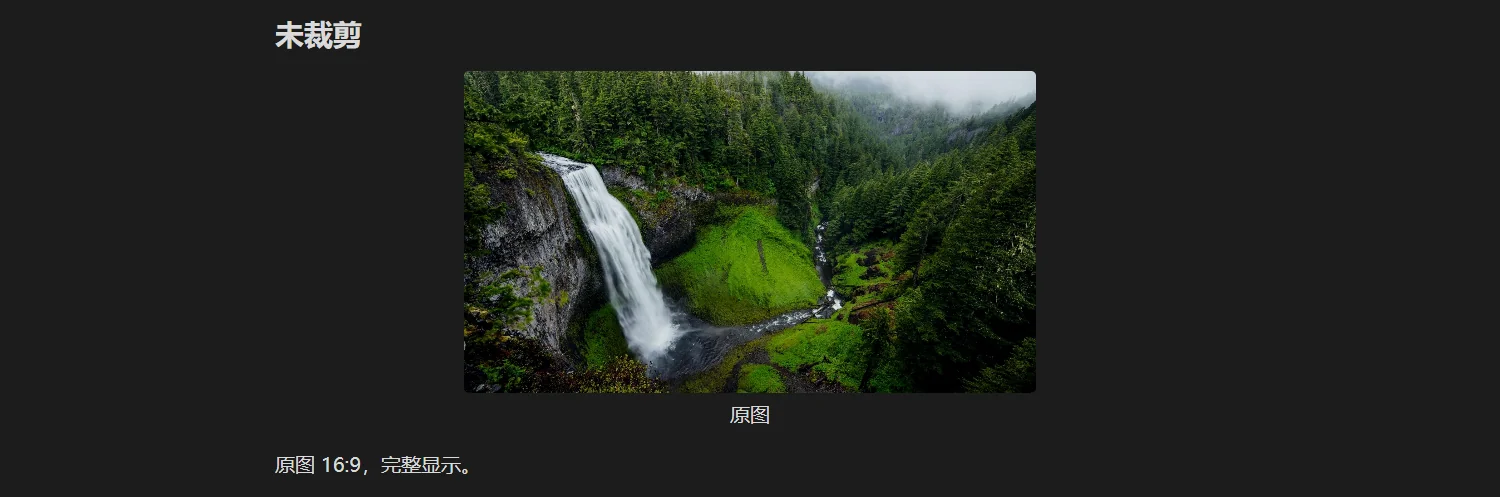
The source is 16:9 and is shown completely.
Cropped to a square
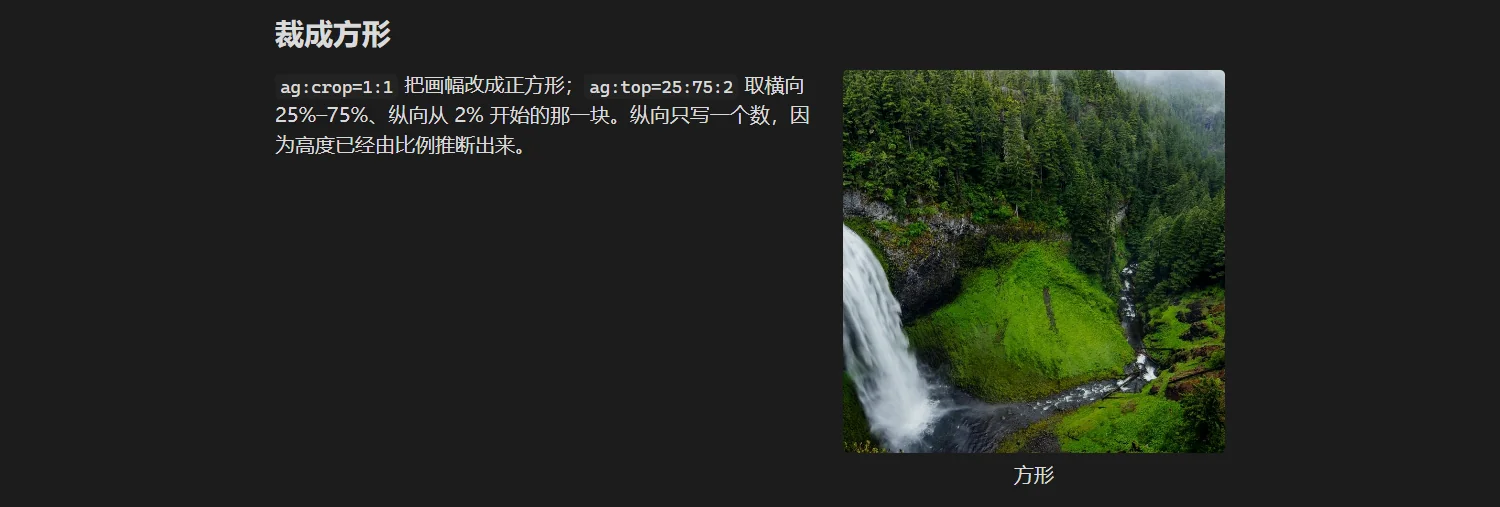
ag:crop=1:1 makes the frame square; ag:top=25:75:2 takes 25%–75% horizontally, starting 2% down. Only one vertical number is written because the height follows from the ratio.
Any region you like

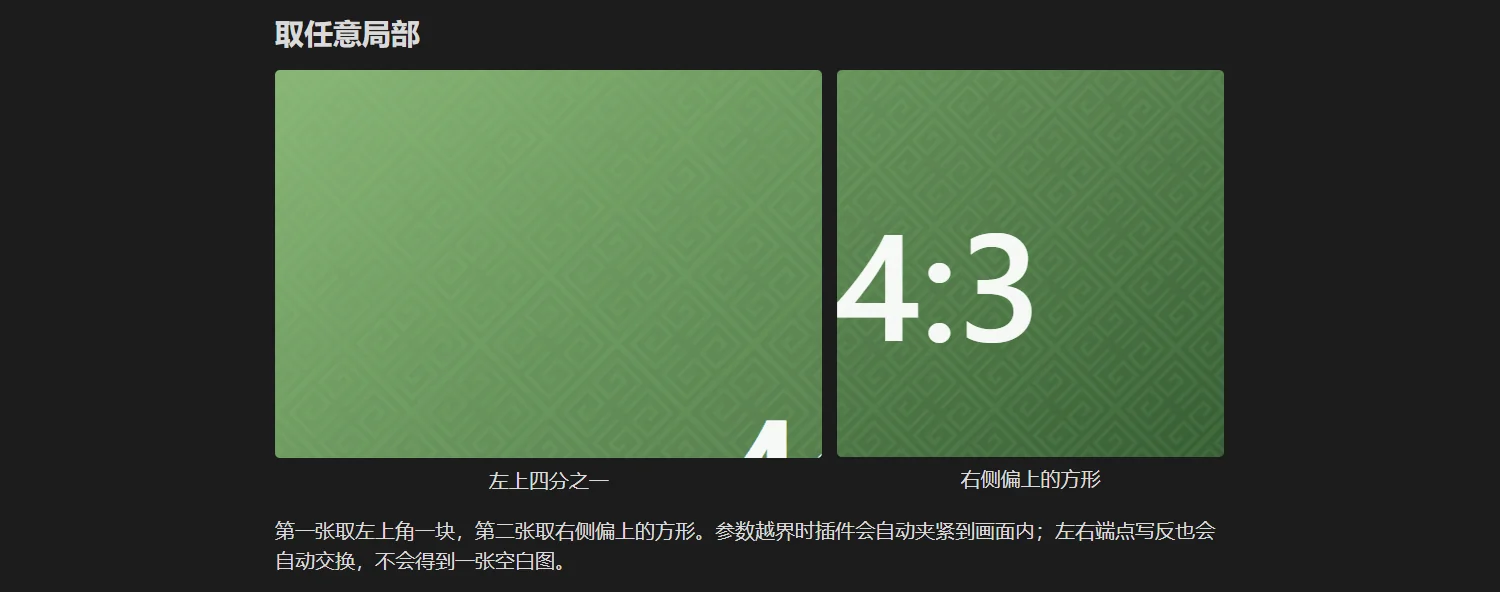
The first takes the top-left corner, the second a square from the upper right. Out-of-range values are clamped and swapped edges are corrected, so you never end up with a blank frame.
The crop dialog
Hover an image and click the scissors icon if you would rather not compute coordinates. The dialog writes exactly two parameters: ag:crop and ag:top.
| Action | Effect |
|---|---|
| Drag an edge | move that edge only, the other three stay |
| Drag a corner | move the two adjacent edges together |
Shift + drag | lock the current ratio |
Alt + drag | scale symmetrically around the centre |
| Wheel | zoom the editing view (1–4×) without changing the result |
| Ratio menu | free / current / 1:1 / 4:3 / 3:2 / 16:9 / 9:16 / 3:4 / 2:3 |
| Save | writes ag:crop and ag:top |
| Clear crop | removes both parameters, restoring the full frame |
| Reset view | pulls the frame back to the whole image, dialog stays open |
Two details:
- "Current ratio" appears only when no preset is locked; the next open reuses the last choice.
- When the frame covers the whole image, saving writes nothing — otherwise "not cropped" would be recorded as "cropped to the original ratio", locking the ratio forever.
With unsaved changes, clicking outside, pressing Esc or cancelling first asks whether to discard them.
The dialog opens in Live Preview; reading view has no entry point.
Cropping changes width routing
After cropping, the plugin uses the cropped ratio, not the source ratio: a 16:9 image cropped to 1:1 narrows from nearly full-column to about half, and the float decision is made again.
So cropping changes more than the visible frame — it changes where the image sits on the page. That is expected behaviour.
If a frame would push the bottom edge past the source, the plugin widens the frame instead of cutting content: a little extra picture rather than losing the edge you asked for.
Two limits
| Limit | Explanation |
|---|---|
ag:top needs ag:crop | without a crop, rewriting parameters drops the top |
| tables accept only cropping | table cells do not support width or floating, see Nested scopes |
Next
- Dialog and reset
- Width routing: how width follows a crop