
Nested scopes
An image belongs only to its nearest container: list item, table cell, callout, and finally the body. The container decides how much the plugin can do.
Lists: side by side within an item, never across
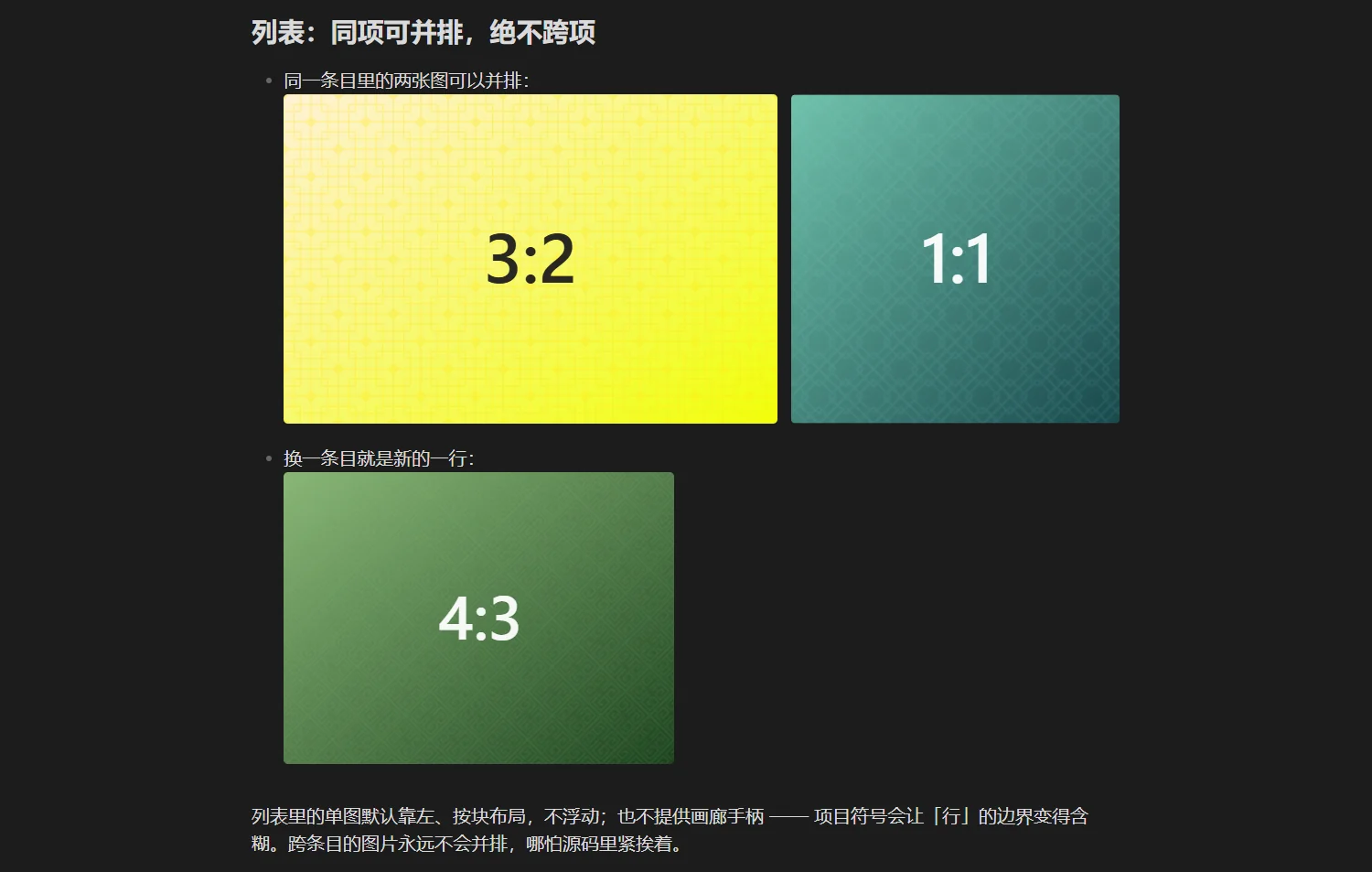
- two images in the same item sit side by side:


- a new item starts a new row:
A single image in a list is left-aligned and laid out as a block; it does not float, and gallery handles are not offered — bullets make the row boundary ambiguous. Images in different items never share a row, even when the source lines are adjacent.
Tables: only cropping and excluding
A table cell takes its width from the table, leaving the plugin no room to adjust, so only two parameters survive:
| Parameter | Works | Note |
|---|---|---|
ag:crop / ag:top | yes | implemented with object-view-box, falling back to object-fit on older engines |
ag:exclude | yes | hands the image back to Obsidian |
ag:width / ag:side | no | the column decides the width |
One syntax detail matters: pipes inside a table must be escaped as \|, otherwise the parameter splits the cell and the caption is truncated too.
| Cell | Result |
| --- | --- |
| ![[05-falls.jpg\|waterfall square\|ag:crop=1:1]] | cropping only |
| ![[03-valley.jpg\|valley\|ag:exclude]] | handed to Obsidian |
Callouts: claimed, never decorated
Images inside a callout keep Obsidian's native styling: no rows, no captions, no handles.
The reason is simple — a callout is not an editable block in Live Preview, so any geometry the plugin wrote there could not be adjusted by the reader. Writing ag: parameters inside a callout does nothing and reports no error; it is the only place where parameters are silently ignored.
Capability matrix
| Container | Width / float | Gallery | Crop | Handles |
|---|---|---|---|---|
| Body | yes | yes | yes | yes |
| List item | block layout, width allowed | within one item | yes | no |
| Table cell | no | no | yes | Live Preview action buttons only |
| Callout | no | no | no | no |
Why it works this way
The more complex the container, the less geometry can be changed safely. A table's width comes from its columns, a callout's block is not editable, a list item's boundary is drawn by its bullet. Taking over in those places would disconnect what the reader edits from what the page shows. Better to do less than to do something uncontrollable.
Next
- Annotation syntax
- Cropping: the one parameter that works inside tables